PDFImpose Online: PDF imposition in your browser.
PDFImpose Online turns PDF preparation and imposition into editable steps. Learn how local processing, sample workflows, and Orby fit together.
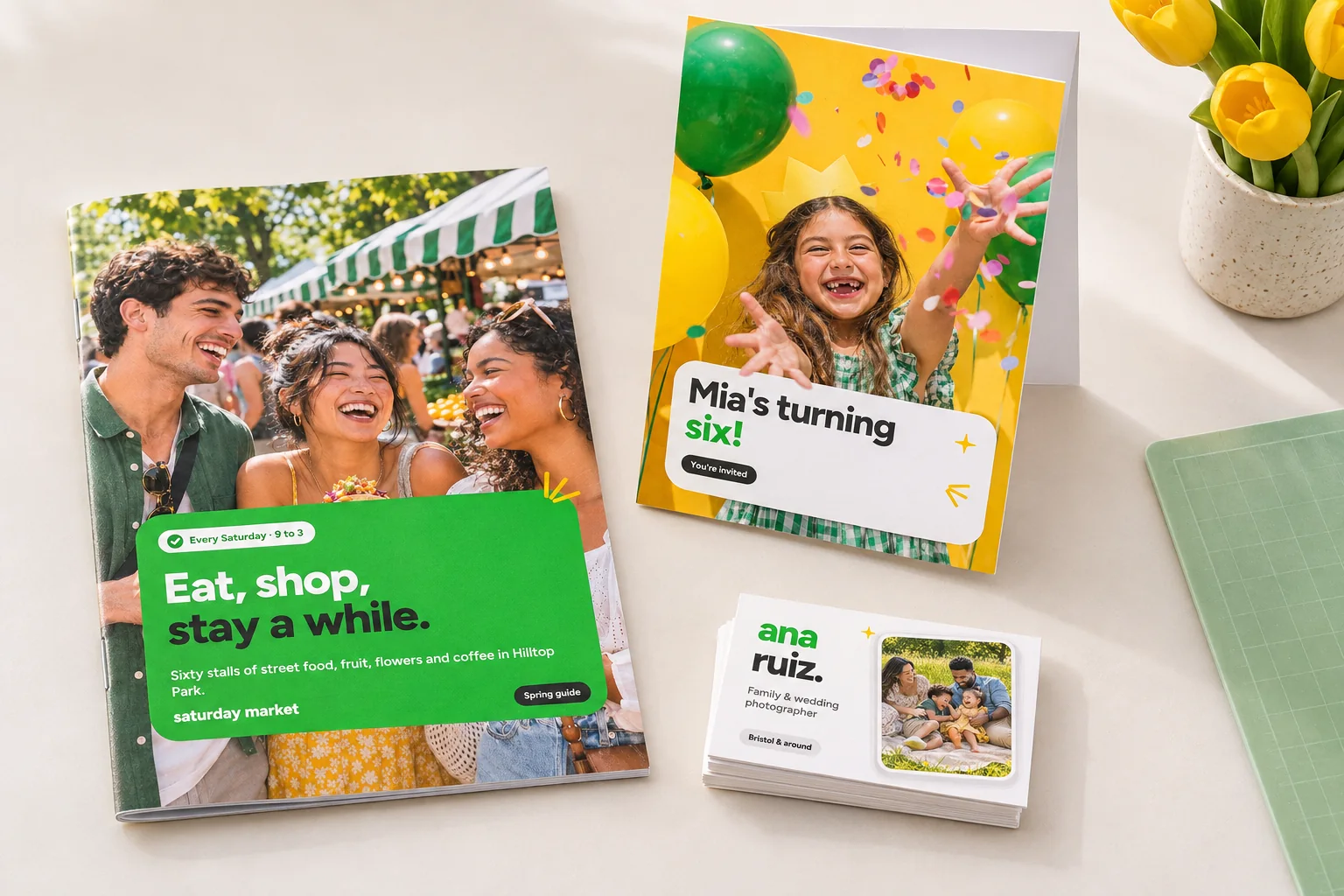
PDFImpose Online is a browser-based PDF preparation and imposition workspace. Arrange a booklet, repeat a card, prepare a cut-and-stack layout, and add finishing marks through visible, editable steps. The free editor works with a free Google sign-in and processes PDFs on your device.
- Prepare → impose → finish
- Real sample jobs to learn from
- Local PDF processing and export
A workflow you can read and change.
Print preparation is a sequence of decisions. The finished size affects the bleed. The bleed affects the spacing. The layout affects the cut and fold positions. PDFImpose Online makes those steps visible so you can inspect the result as the job develops.
The examples are concrete: a Saturday Market guide, Ana Ruiz photographer cards, a birthday invitation, a beginner yoga handout, and numbered open-air cinema tickets. They provide working starting points rather than a promise that one preset fits every press.
Your PDF stays on your device.
Opening, processing, previewing, and exporting the PDF happen in the browser. You do not need a Google account for those free editor features. Interface preferences and custom templates may be stored in the current browser; keep your own source files and approved outputs.
Online account and AI features have different data needs. Google sign-in authenticates an account. If you submit an Orby request, the prompt and basic page information go to the AI service, while the PDF contents stay local. The privacy page explains those boundaries.
Helpful suggestions. Your production decision.
Orby is the print sidekick shown throughout PDFImpose Online. It turns a written brief into proposed workflow steps that you can review and change. Pro adds unlimited exports with no cooldown and Orby for $12 a month or $120 a year (or a $7.99 7-day trial), with a 14-day money-back guarantee; the free editor remains available independently.
PDFImpose Online is not a replacement for a printer’s specifications, a certified preflight process, or a physical proof. Check the output against the actual paper, machine, and finishing method. The guides and comparison pages are designed to make that choice more informed.
How we write and check the guides.
PDFImpose Online publishes this site and makes the editor it recommends. Our buying guides are product-led editorial content, not an independent review publication. Recommendations explain which task a tool fits, identify its limits, and link to the vendor’s own documentation. A source review is not a hands-on test of a competitor’s output.
PDFImpose Online and PDFImpose share ownership. Links between these related products are not independent endorsements; their appearance in a search result or recommendation does not establish a separate reviewer’s approval.
Our downloadable examples identify the source PDF, settings, and exported result so you can reproduce the layout. Digital output checks do not establish print quality on your equipment. Illustrative artwork and generated scenes are not evidence of a physical print test. Where a guide needs a cut, fold, or duplex check, make that proof on the actual printer.
We date substantive updates and source reviews, distinguish available features from planned services, and avoid ratings or awards that have no verifiable basis. If a setting, product limit, or reference is wrong, send the page URL and correction through Contact & Support.
Before you
get started.
Is PDFImpose Online an online PDF upload service?
PDF editing and imposition run locally in the browser. Account requests and optional AI requests use online services; those are separate from uploading a PDF for processing.
Where can I ask about a workflow or account?
Use the Contact & Support page for the current support route, and include the workflow settings and error description. Do not send confidential source files unless you are authorised to share them.
The next step
is your PDF.
Start with a real sample. Adjust every step. Make a proof before the print run.