Free PDF imposition and print tools.
Explore PDFImpose Online tools for booklet imposition, N-up layouts, step and repeat, cut and stack, bleed, resizing, and print marks.
PDFImpose Online combines PDF preparation, sheet layout, and finishing in an editable sequence. Start with a real sample workflow, change its dimensions and layout, then check the exported PDF before printing.
- Real print examples
- Editable workflows
- Check before you print
PDF tools
08 ENTRIES
Free PDF booklet maker, with the right page order.
Make a booklet PDF online for free. Arrange pages for saddle-stitch printing, check page order, add fold or crop marks, and export locally with PDFImpose Online.
Take a closer look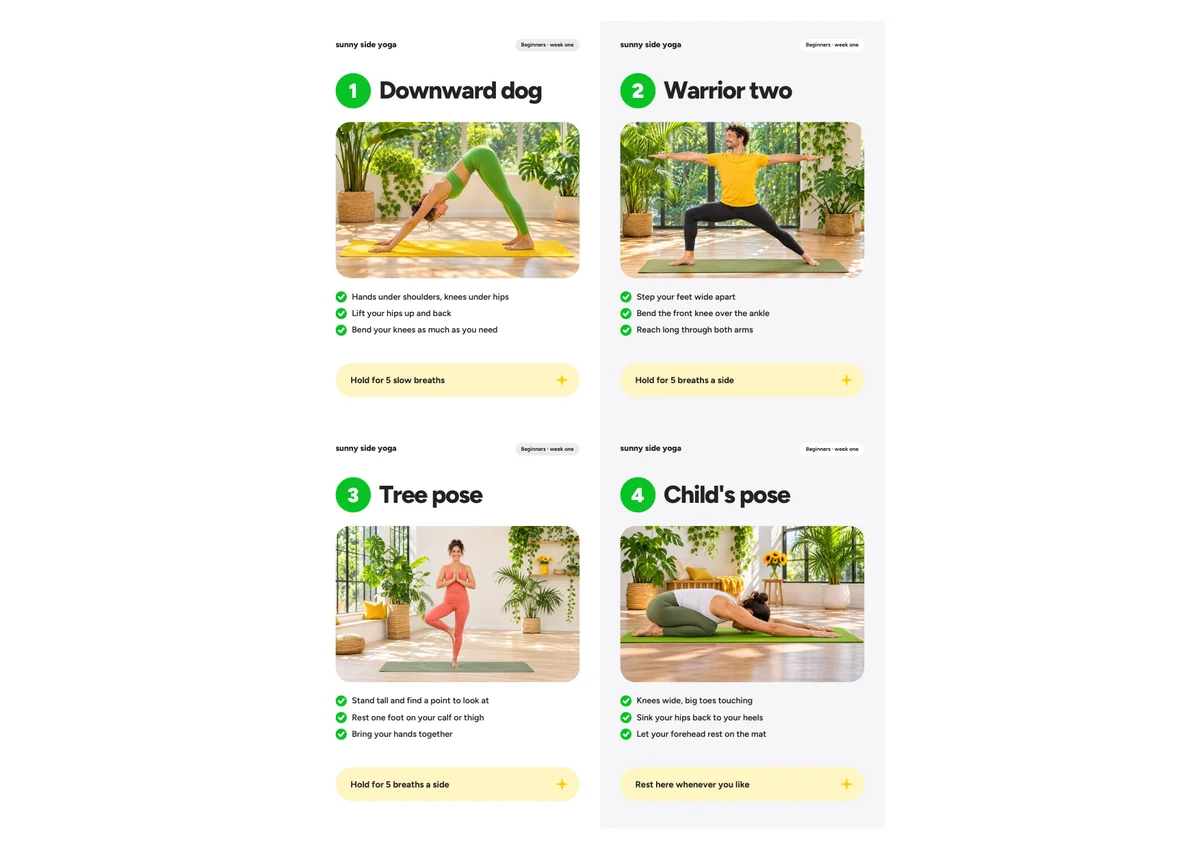
Multiple PDF pages per sheet: 2-up, 4-up, and more.
Create 2-up, 4-up, or custom N-up PDFs online. Put multiple pages on each sheet side, set margins and page order, then save a new PDF locally for free.
Take a closer look
Step and repeat a PDF page across a sheet.
Repeat business cards, labels, postcards, and artwork across a PDF sheet. Adjust the grid, bleed, and gutters in PDFImpose Online’s free browser editor.
Take a closer look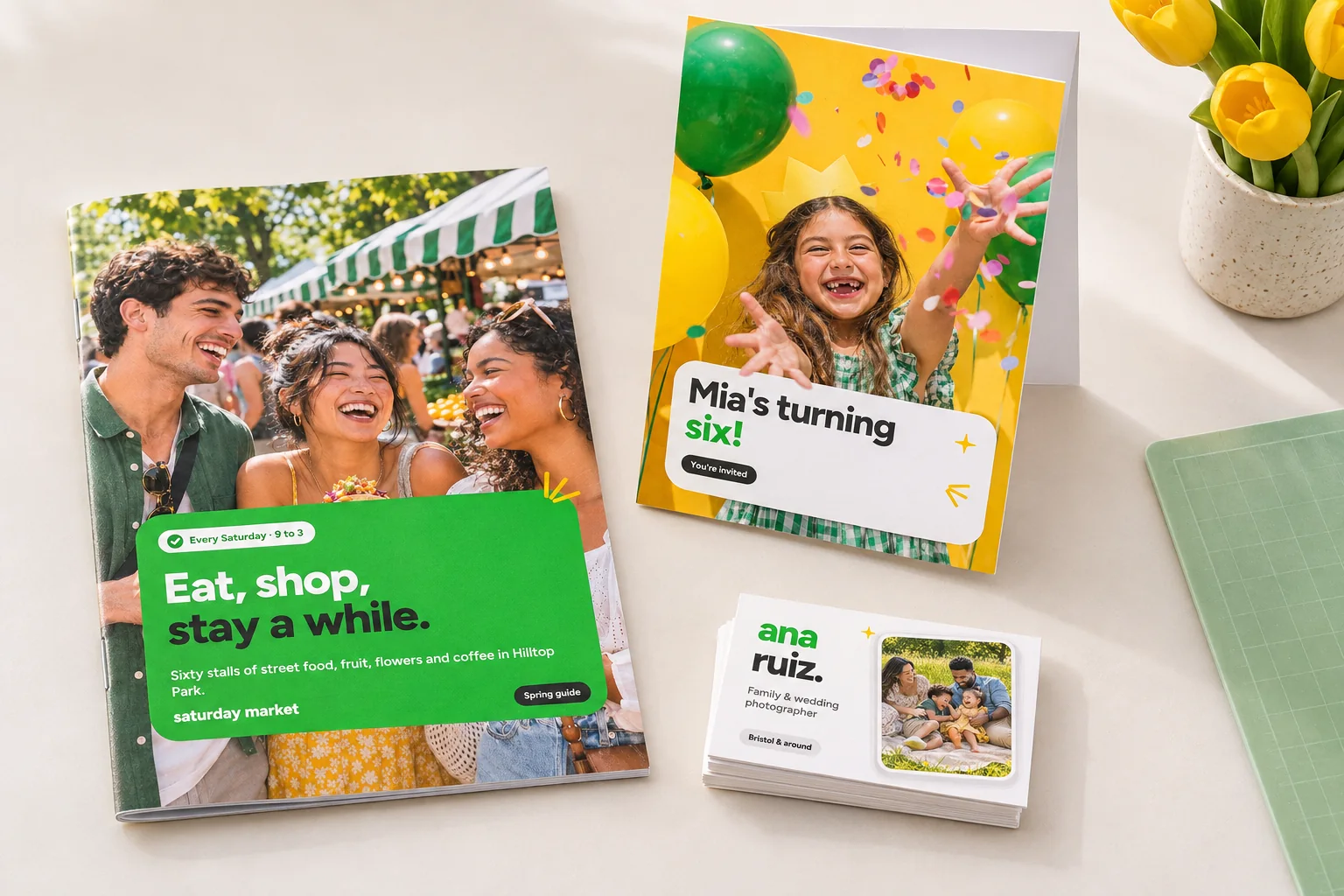
Cut-and-stack PDF imposition for numbered work.
Arrange sequential PDF pages so cut piles can be gathered in order. Preview numbered tickets, choose a grid and lift size, and export with PDFImpose Online.
Take a closer lookAdd bleed to a PDF before printing.
Add or top up PDF bleed with mirror, stretch, repeat, enlarge, or solid fill. Inspect each edge before imposing your artwork in PDFImpose Online.
Take a closer lookAdd crop marks to your PDF layout.
Add crop marks after PDF imposition. Control mark length, offset, line weight, gutter marks, and bleed marks in PDFImpose Online’s free browser editor.
Take a closer look
Resize PDF pages for printing.
Resize PDF pages to a paper size, custom dimensions, or percentage. Choose fit, fill, shrink-only, or page-only changes before imposing in PDFImpose Online.
Take a closer lookAdd fold marks and crease guides to a PDF.
Add fold marks to booklet sheets or a visible crease guide to folded cards. Inspect the fold position, trim, and printed proof in PDFImpose Online.
Take a closer lookDeutsch
01 ENTRIESFrançais
02 ENTRIESRegroupez plusieurs pages PDF sur une seule feuille.
Placez 2, 4 ou davantage de pages PDF par feuille et enregistrez un nouveau PDF. Gratuit, sans transfert du document, avec exemples numérotés à télécharger.
Take a closer look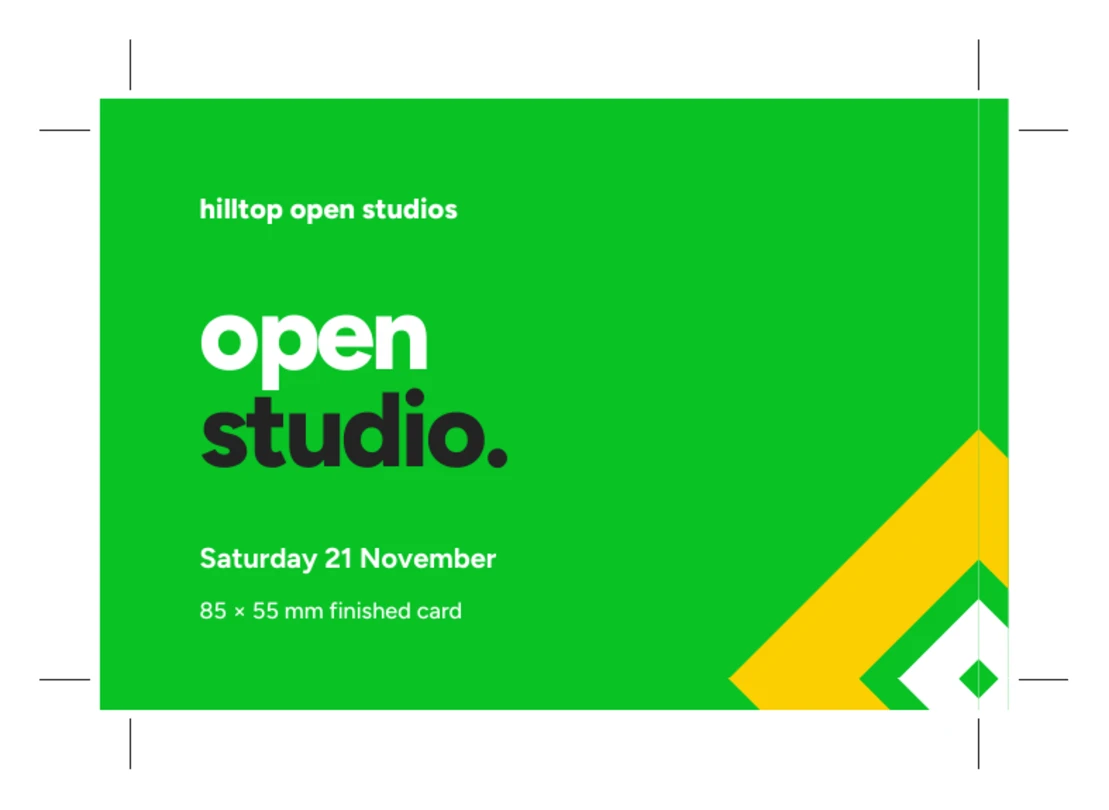
Ajouter du fond perdu à un PDF. Contrôler ce qui dépasse.
Ajoutez du fond perdu à un PDF et comparez cinq méthodes sur une vraie carte de 85 × 55 mm. Traits de coupe, marge de sécurité et impression sans marges.
Take a closer lookNederlands
01 ENTRIESSvenska
01 ENTRIESEspañol
01 ENTRIES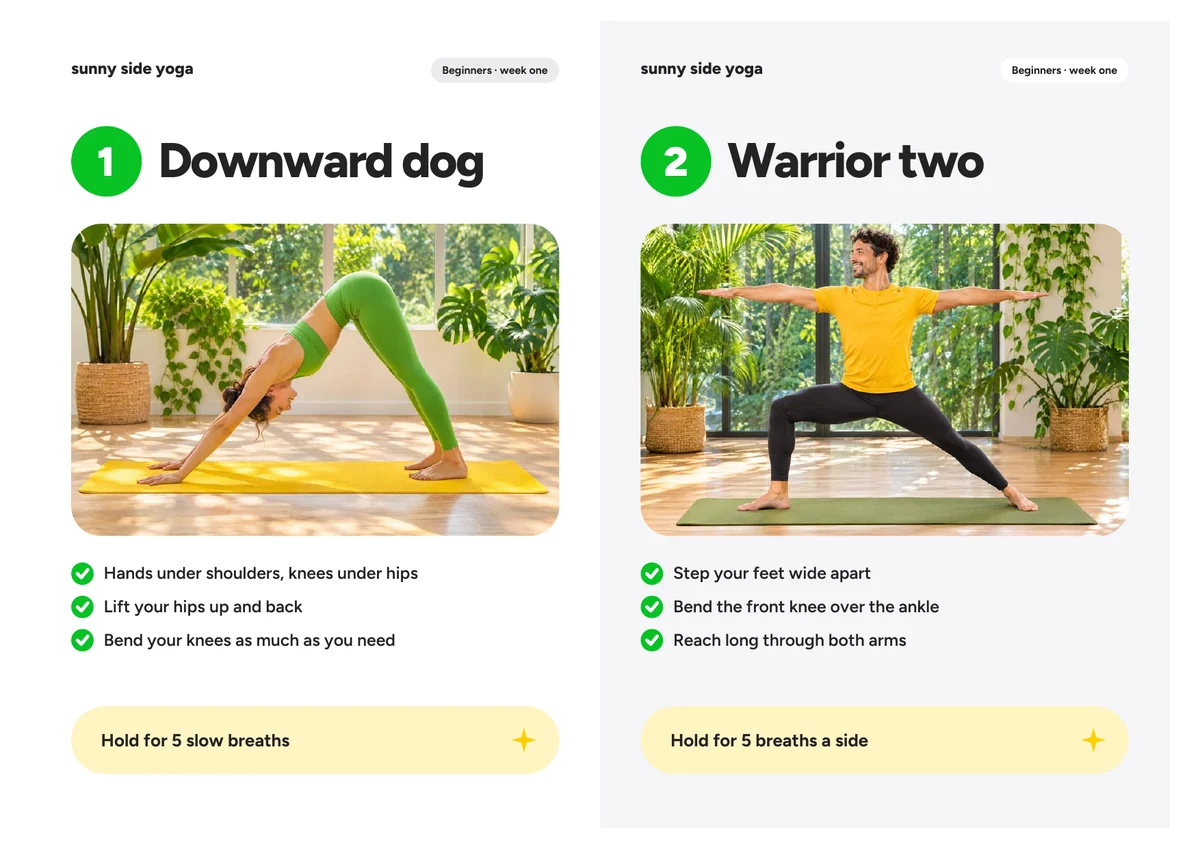
Polski
01 ENTRIESItaliano
01 ENTRIESČeština
01 ENTRIESDansk
01 ENTRIESSuomi
01 ENTRIESPortuguês
01 ENTRIESThe next step
is your PDF.
Start with a real sample. Adjust every step. Make a proof before the print run.