PDF printing guides: N-up, booklets, and finishing.
Learn how to print 2 or 4 PDF pages per sheet, repeat a page, make an A5 booklet on A4, and check bleed, crop marks, duplex settings, and cut-and-stack order.
A dependable print workflow begins with the finished size and the printer’s requirements. These guides explain page order, sheet layout, trim, bleed, duplex settings, and physical proof checks using PDFImpose Online’s real workflows.
- Real print examples
- Editable workflows
- Check before you print
Print guides
12 ENTRIES
How to print a PDF as a booklet.
Check 8, 12, 16, and 32-page booklet counts, saddle-stitch page pairs, intentional blanks, and duplex setup. Includes downloadable PDFImpose Online examples.
Take a closer look
Business-card imposition: size, bleed, and sheet layout.
Prepare 85 × 55 mm business cards with bleed, a repeated SRA3 layout, and crop marks. Check front/back alignment and prove the finished card size.
Take a closer lookBleed, trim, safe area, and crop marks explained.
Understand the difference between trim, bleed, safe area, and crop marks. See how each affects PDF preparation and a clean print finish.
Take a closer look
Duplex PDF printing: check both sides.
Check PDF sheet orientation, printer flip settings, page order, and front-to-back alignment before printing double-sided cards or booklets.
Take a closer look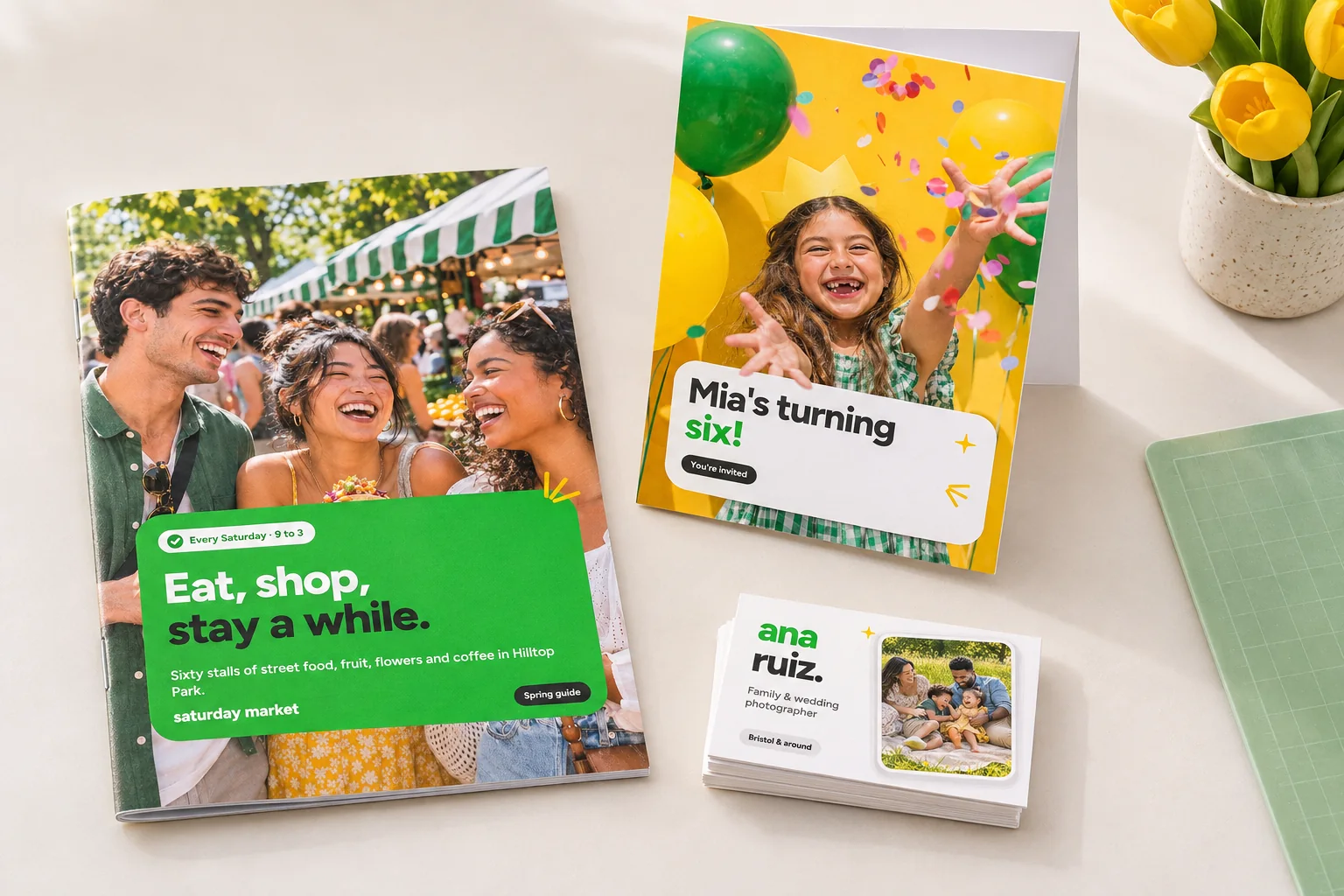
Cut-and-stack printing: keep numbered tickets in order.
Prepare already numbered PDF tickets for cut-and-stack production. Check source order, grid, lift size, gathering sequence, and the printed proof.
Take a closer lookPDF print-proof checklist: before the full run.
Use a practical PDF print-proof checklist for dimensions, page order, bleed, marks, duplex alignment, cutting, and folding before production.
Take a closer look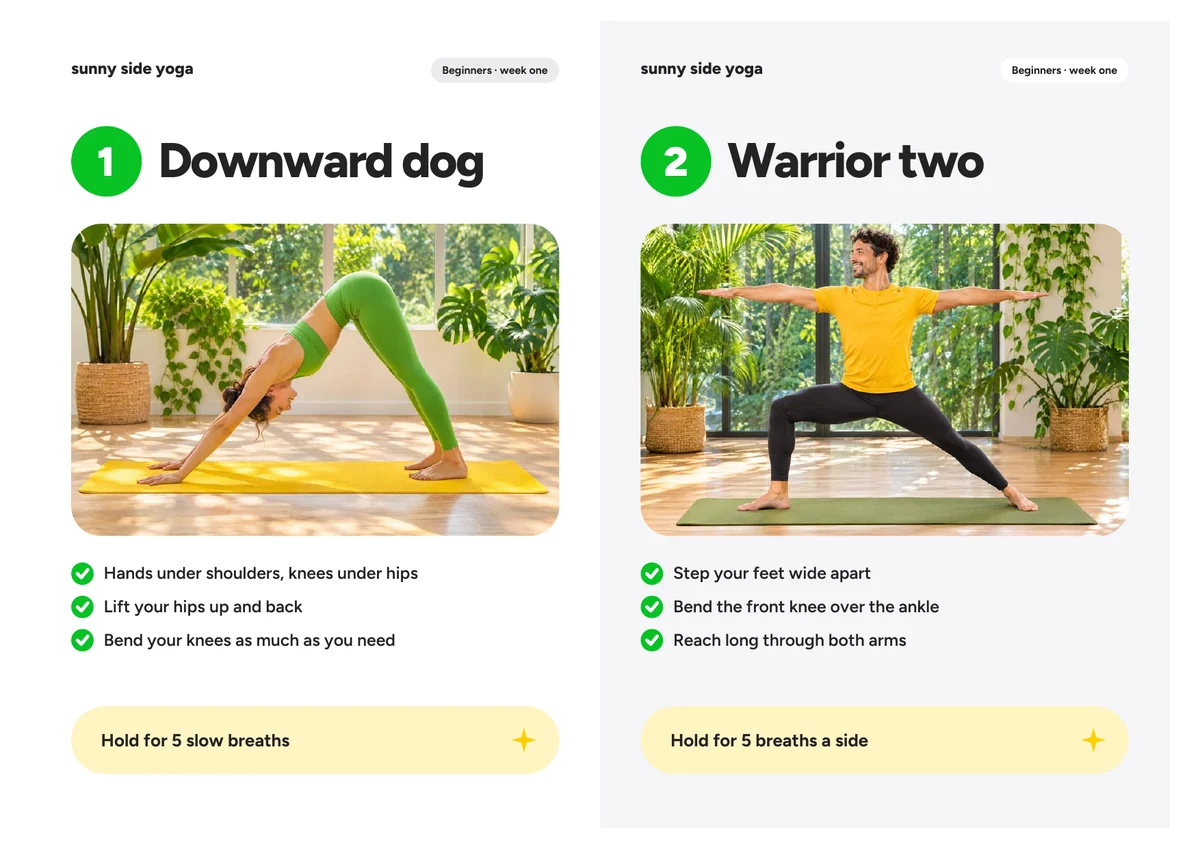
How to print 2 PDF pages per sheet
Put two PDF pages side by side, choose A4 or Letter, check scaling and page order, and save a new 2-up PDF. Includes a five-page worked example.
Take a closer look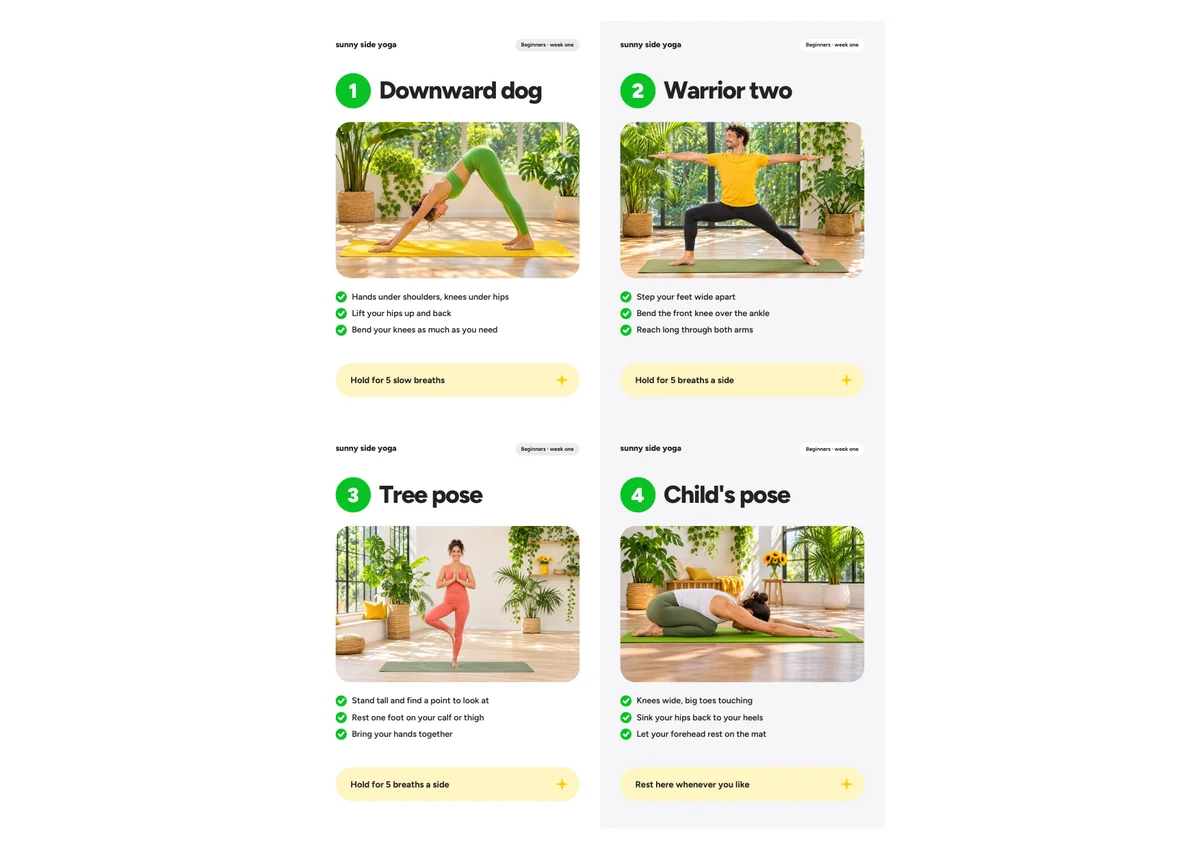
How to print 4 PDF pages per sheet
Arrange four PDF pages in a 2 × 2 grid and save a new 4-up PDF. Check reading order, portrait versus landscape, readable text, and the final partial sheet.
Take a closer look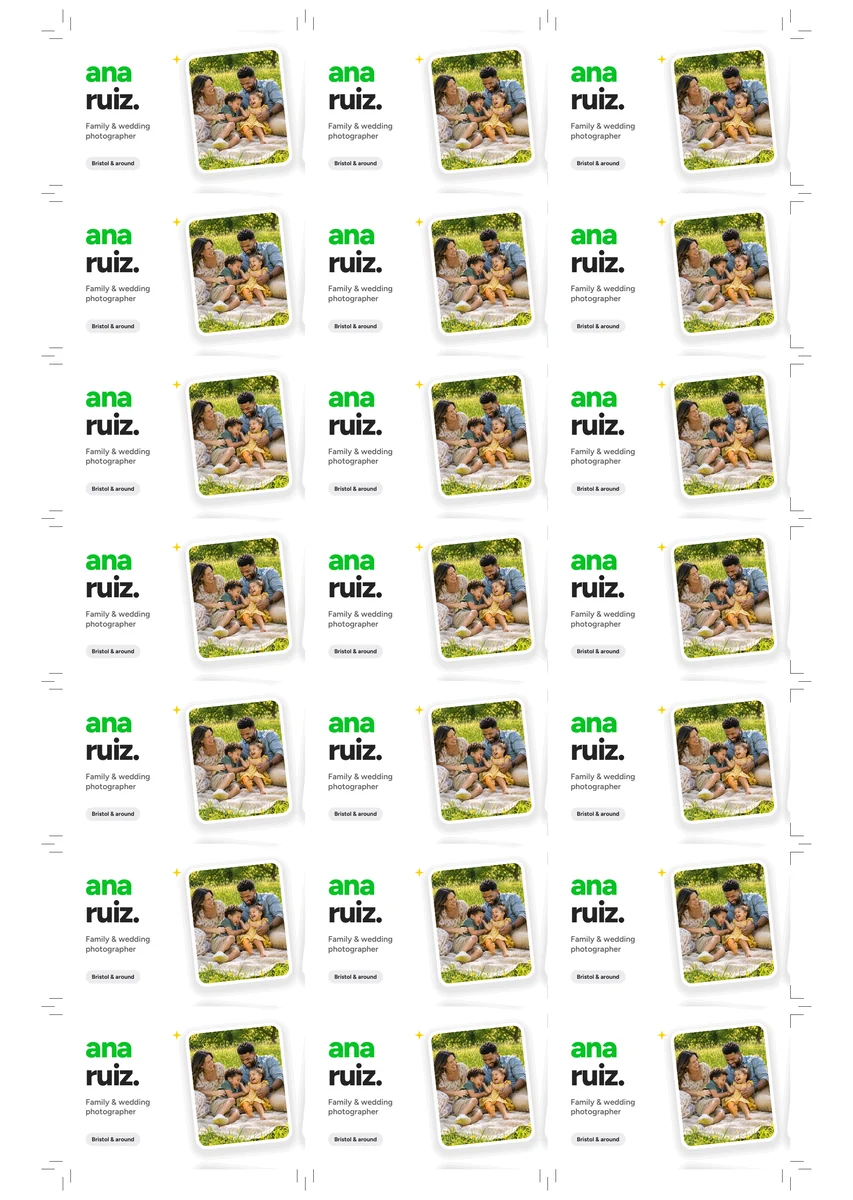
Print the same PDF page multiple times on one sheet
Print two or four copies of one PDF page on a sheet using step and repeat. Set the grid, scaling, margins, bleed, and crop marks before exporting.
Take a closer look
Print an A5 booklet on A4 paper.
Prepare an A5 booklet on A4 sheets. Check PDF page size, booklet order, margins, bleed, page counts, and duplex settings before folding a proof.
Take a closer lookPDF imposition examples. Every page accounted for.
Download six PDF imposition examples with source files, exact settings, and actual exports: 2-up, 4-up, booklets, repeated pages, and a partial cut-and-stack job.
Take a closer lookThe layout looks wrong. Start here.
Fix common PDF imposition problems: one occupied cell, tiny output, upside-down backs, misplaced booklet blanks, missing crop marks, and cut-stack numbering.
Take a closer lookDeutsch
03 ENTRIESPDF als Broschüre drucken. In der richtigen Reihenfolge.
Eine PDF-Broschüre mit 8, 12, 16 oder 32 Seiten vorbereiten: Seitenpaare, Leerseiten, Rückumschlag und Duplexdruck. Mit vollständigen Beispieldateien.
Take a closer look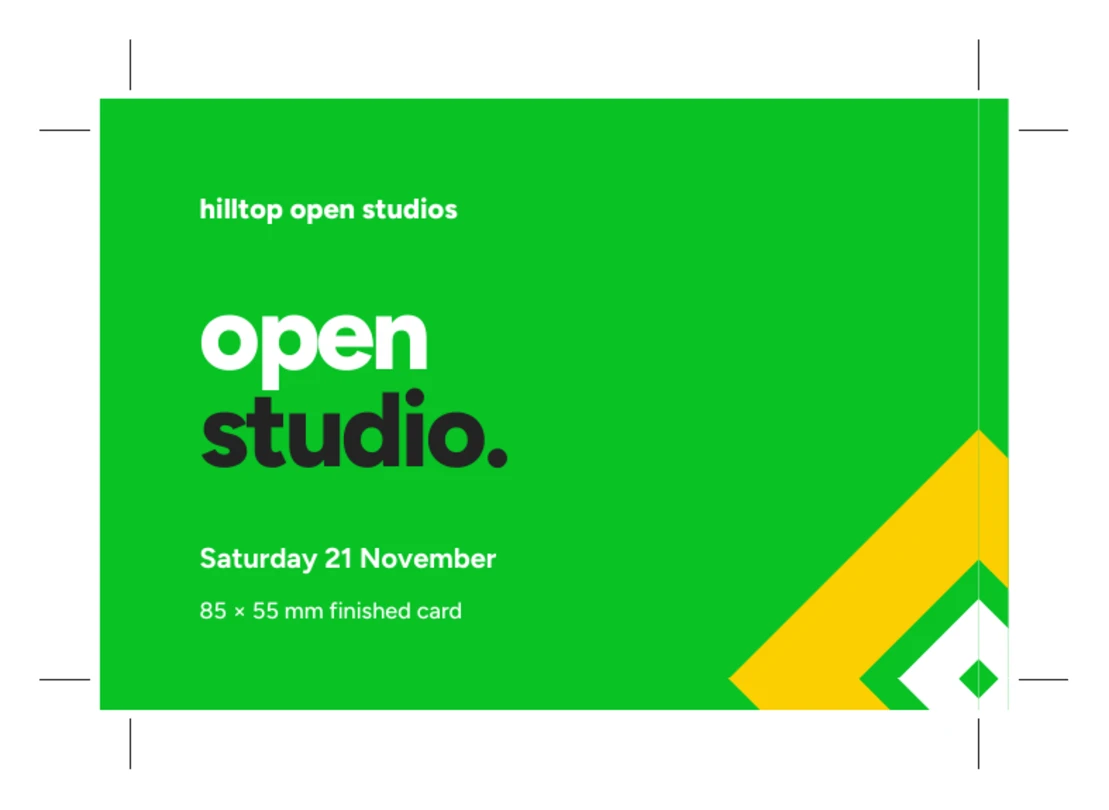
PDF randlos drucken. Finde die Ursache für weiße Ränder.
PDF randlos drucken: Dateirand, Druckerrand und fehlenden Beschnitt unterscheiden. Mit Druckereinstellungen, Maßstabsprüfung und messbarem Kartenbeispiel.
Take a closer lookDieselbe PDF-Seite mehrfach auf ein Blatt setzen.
Eine PDF-Seite zweimal oder viermal auf ein Blatt setzen und als PDF speichern. Mit echten Exporten, Visitenkartenmaßen und Hinweisen für Etikettenbögen.
Take a closer lookNederlands
01 ENTRIESFrançais
01 ENTRIESItaliano
01 ENTRIESČeština
01 ENTRIESSvenska
01 ENTRIESPolski
01 ENTRIESDansk
01 ENTRIESSuomi
01 ENTRIESPortuguês
01 ENTRIESEspañol
01 ENTRIESThe next step
is your PDF.
Start with a real sample. Adjust every step. Make a proof before the print run.